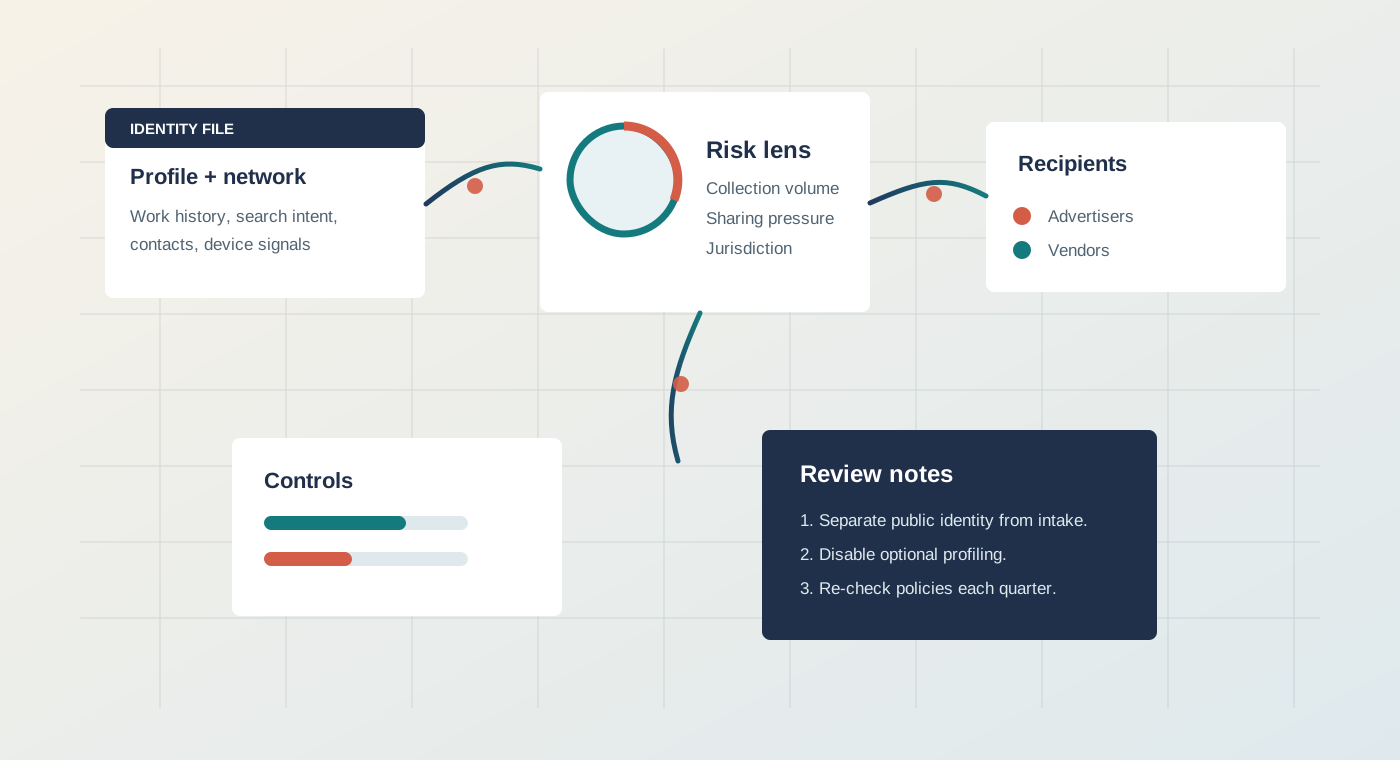
Abstract map of professional profile data moving between platforms and recipients

LinkedIn privacy review - alternatives compared - 2026

What LinkedIn learns about your career.

Profile Lens starts with LinkedIn because it is the default professional identity layer. Then it compares Blind, Xing, and Peerlist against that baseline so the tradeoffs are visible.

The LinkedIn problem

Your LinkedIn profile is not just a resume.

It is a live professional identity file: work history, hiring intent, network position, recruiter interactions, feed behavior, ad response, messages, and signals that can be reused outside the moment you entered them.

  • 1Identity graph
    Who you know, where you worked, who can discover you, and who can infer your next move.
  • 2Behavioral layer
    Searches, job clicks, profile views, feed pauses, ads, and recruiter exchanges.
  • 3Escape routes
    Which settings matter, what to move off-platform, and when an alternative is actually useful.

Why LinkedIn is the baseline

The platform sits at the center of hiring, sales, identity, and reputation.

Most people cannot simply delete LinkedIn without losing reach. The useful question is narrower: what should stay there, what should be hidden, and which parts of your professional life belong somewhere else?

The review follows LinkedIn first.

LinkedIn combines the public resume, the private job search, the recruiter inbox, the sales graph, professional content, ad targeting, and parent-company data use. That combination is why it gets the longest treatment on this site and why every alternative is measured against it.

Profile layerName, employer, education, skills, location, endorsements, public activity.
Intent layerJobs viewed, searches, follows, saved roles, recruiter messages, application behavior.
Commercial layerAd personalization, audience building, sales intelligence, vendors, integrations.
Control layerVisibility settings, ad toggles, contact import cleanup, AI-related preferences, data export.

LinkedIn compared against alternatives

Do not compare alternatives in a vacuum. Compare them to the LinkedIn job they replace.

Blind, Xing, and Peerlist are not generic replacements. Each one moves one LinkedIn function into a different shape: workplace discussion, regional networking, or proof-of-work discovery.

LinkedIn audit model

Follow one LinkedIn signal until it becomes a consequence.

The same chain is used for other platforms, but it is built around LinkedIn because LinkedIn combines the most functions in one account.

You enterProfile fields, employment history, skills, location, contacts, and public posts.
You signalJob views, searches, profile visits, follows, comments, messages, and ad interactions.
LinkedIn infersSeniority, hiring intent, influence, company movement, interest clusters, and sales value.
Data movesRecruiter tools, ads, analytics, vendors, parent-company systems, and lawful-access workflows.
You reduceVisibility, personalization, contact import, profile tracking, AI settings, and off-platform records.

Fast LinkedIn comparison

Which LinkedIn function are you trying to replace?

Use this table as a decision shortcut. If you still need LinkedIn's reach, the answer is usually minimization rather than total migration.

OptionLinkedIn functionWhat changesRisk
Keep LinkedIn leanRecruiter discovery and public credential search.Reduce profile detail, disable optional personalization, export data, avoid contact imports.High
Add BlindWorkplace conversation and compensation research.Separates sensitive talk from your public LinkedIn identity, but requires careful writing.Medium
Use XingRegional networking where DACH relevance matters more than global reach.Smaller graph, different legal posture, less value if your hiring market is global.Low-medium
Use PeerlistPortfolio proof and maker-style discovery.Moves attention from feed presence to shipped work, with less recruiter coverage.Low